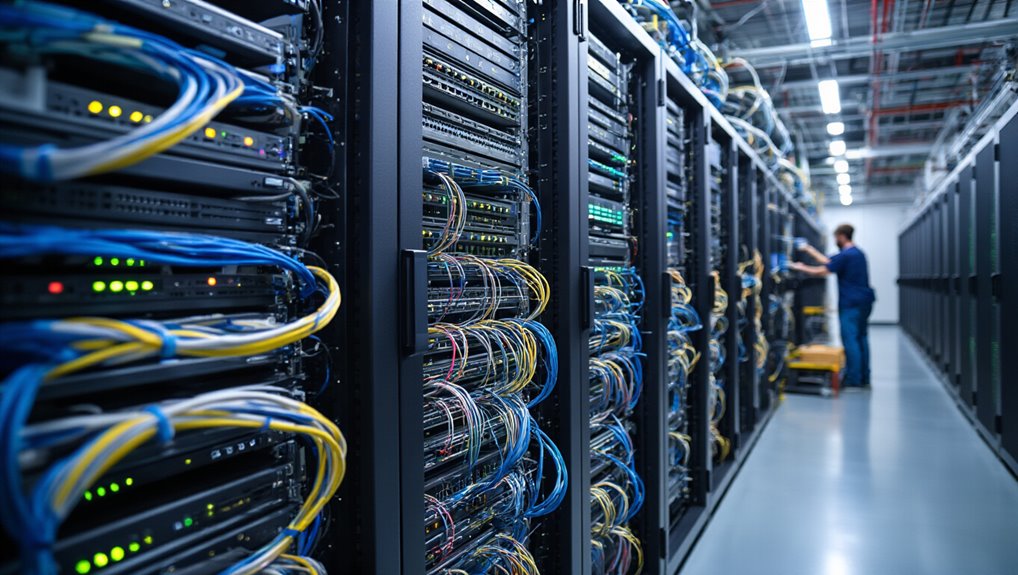
In today’s fast-paced business environment, IT asset relocation has become a critical operation that can make or break organizational continuity. This process involves moving hardware, software, and data from one location to another while minimizing disruption to daily operations. Whether you’re relocating servers, computers, networking equipment, or peripherals during office or data center moves, specialized handling is essential to prevent damage, data loss, and costly downtime.
IT asset relocation is a critical operation requiring specialized handling to prevent damage, data loss, and costly downtime during business transitions.
The relocation process begins with thorough planning. You must conduct a complete IT infrastructure evaluation to identify specific needs and challenges at your new location. This includes forming a move committee, assigning clear roles, and developing a detailed timeline that covers shutdown procedures, transport logistics, and setup requirements. A site visit to your new facility is vital for evaluating cabling infrastructure, power capacity, security measures, and available space.
Creating a full inventory is your next critical step. Document every IT asset, including computers, servers, monitors, and routers. Record network diagrams and configurations while assessing which equipment needs upgrading or decommissioning. Assign team members to track specific items throughout the move, prioritizing essential assets that require immediate relocation.
Data protection cannot be overlooked. Back up all critical information to cloud storage or external drives before initiating the move. Verify that backups are complete and accessible, then implement encryption and access controls for sensitive data. Transport backup copies separately from your main systems as an additional safeguard.
Risk mitigation requires identifying potential problems like hardware damage, network failures, and data loss. Develop contingency plans with built-in redundancy and emergency response procedures. Consider phased migration to minimize downtime and coordinate insurance coverage for transport-related incidents.
During execution, label all cables and equipment accurately using anti-static materials for packing. Transport items securely to prevent movement damage. At the new site, reinstall hardware systematically and configure networks according to your documented specifications. Conduct exhaustive testing to verify functionality before declaring the move complete. Monitor performance closely during the initial days and keep stakeholders informed throughout the entire process. A successful relocation also benefits from integrating ITSM tools and real-time data sharing to reduce downtime and improve coordination.