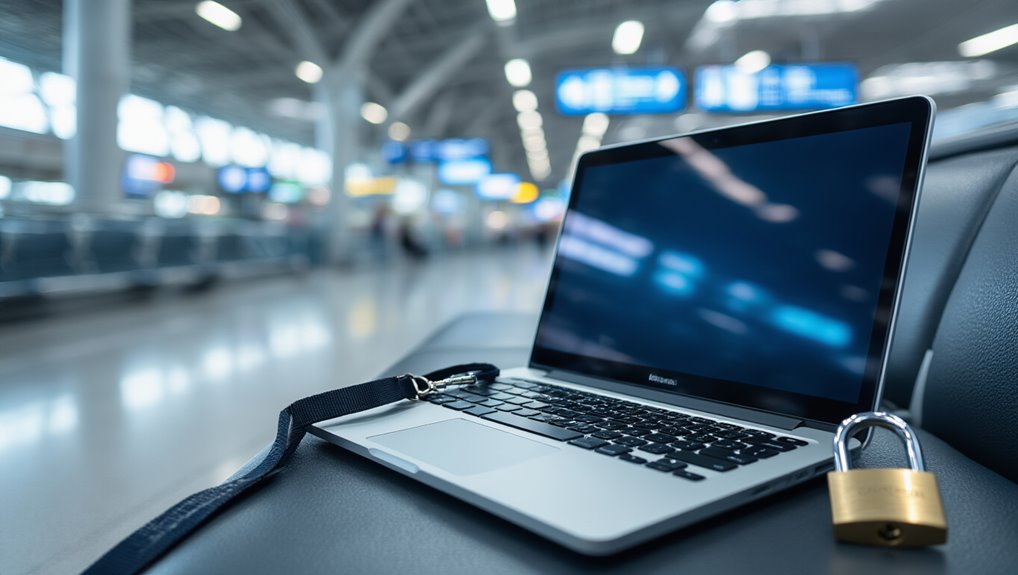
Why Traveling Employees Are Your Riskiest Endpoints
Traveling employees represent one of the highest-risk categories of endpoints in any organization’s security environment. When employees leave the office, several protections disappear simultaneously. Corporate network controls no longer apply. Physical security becomes unpredictable. Device monitoring gaps widen.
Traveling employees rank among the highest-risk endpoints — the moment they leave the office, critical protections vanish simultaneously.
Three core factors drive this elevated risk:
- Expanded attack surface: Every hotel, airport, and café connection is a potential entry point.
- Credential exposure: Uncontrolled networks make interception substantially easier.
- Physical vulnerability: Laptops moving through airports and conferences face direct theft risk.
Remote endpoints require active security enforcement precisely because travel removes the controlled conditions that office environments provide. Research indicates that 63% of enterprises have no capacity to monitor off-network endpoints, leaving traveling devices among the least visible assets in the entire organization. According to IBM’s Cost of a Data Breach Report 2023, breaches occurring under remote work conditions cost $1.07 million more than those in traditional setups. Many organizations mitigate these risks by leveraging ISO 27001 certified vendors and strict device policies.
Harden Traveling Employee Devices Before They Leave the Office
Before a device ever leaves the building, security teams and employees must complete a structured hardening process that greatly reduces exposure during travel. Teams should:
- Minimize data — remove unnecessary files and avoid storing credentials in plain text
- Enable full-disk encryption and enforce strong passwords with lock screens
- Activate 2FA on all business accounts and prepare backup access methods
- Patch everything — update OS, applications, and hardware wallet firmware before departure
- Disable Wi-Fi, Bluetooth, and auto-connect features until actively needed
Travel-only devices limit damage if a device is lost, searched, or compromised. Flash drives and external storage taken on the road should also be encrypted with VeraCrypt to prevent information extraction in the event of theft. Before departure, employees should spend a few minutes mapping carried assets against likely attackers and attack methods to define proportional threat model mitigations. A quick inventory and verification step also helps ensure data integrity is maintained while devices are in transit.
Use MDM to Enforce Security Policies on Traveling Employee Devices
Once a device leaves the office, the organization loses direct physical control over it — and that gap in oversight creates real risk. Mobile Device Management (MDM) closes that gap by letting IT teams enforce security policies remotely. A well-configured MDM platform can:
- Require complex passwords and minimum lock timers
- Push OS and app updates to noncompliant devices
- Enforce MFA during enrollment and access attempts
- Remotely wipe lost or stolen devices
- Separate corporate data from personal data using containerization
Organizations should also define which devices, operating systems, and ownership models fall under MDM scope before deployment. MDM solutions can also be paired with an enterprise mobility management platform to extend policy enforcement across a broader range of mobile applications and services. The scale of device risk is significant — 70 million smartphones are lost every year, with only 7% ever recovered. A managed service model also delivers enterprise-level expertise to ensure policies are kept current and enforced effectively.
Lock Down Network Connections for Traveling Employees
MDM policies give organizations control over device configuration, but the network a device connects to matters just as much as the device itself.
Traveling employees routinely connect to risky environments, making network discipline essential.
Enforce these standards before any employee travels:
- Require VPN for all corporate system access
- Block auto-connect behavior for Wi-Fi and Bluetooth
- Mandate hotspots or cellular data instead of public Wi-Fi
- Disable UPnP and remote administration on any travel routers
Public Wi-Fi should be treated as a last resort.
Hotel networks are potentially monitored.
Cellular data and VPN-encrypted tunnels remain the safest default combination.
Employees should also turn off wi-fi auto connect and delete saved networks on both corporate and personal devices to prevent inadvertent connections to untrusted networks while traveling.
Connecting to public Wi-Fi without a VPN creates immediate exposure, as strangers on the same network can potentially snoop on your activities.
Implementing centralized message routing with a message queue can help monitor and log risky device connections during travel.
Audit and Recover Devices After Every Business Trip
Every business trip introduces new security variables that require systematic review when employees return.
Organizations must follow strict post-trip protocols to protect sensitive data.
Organizations must enforce rigorous post-travel security protocols to safeguard sensitive data from potential exposure or compromise.
- Scan returned devices for malware, pop-ups, and performance issues immediately. Consider integrating real-time monitoring to detect issues as soon as devices reconnect to the network.
- Verify encryption status and confirm MFA remains active on all accounts.
- Remove stored credentials that were only needed during travel.
- Cross-check login locations against normal office access patterns to flag anomalies.
If device recovery fails, MDM platforms execute remote wipes automatically.
Teams must update asset tracking sheets and archive disposal certificates for regulatory compliance reviews. Before initiating any wipe, confirm that backups are secured and legal holds reviewed to prevent irreversible data loss. Saved passwords and authentication apps stored on a device can increase account exposure, making credential audits after travel a necessary step in any post-trip security review.