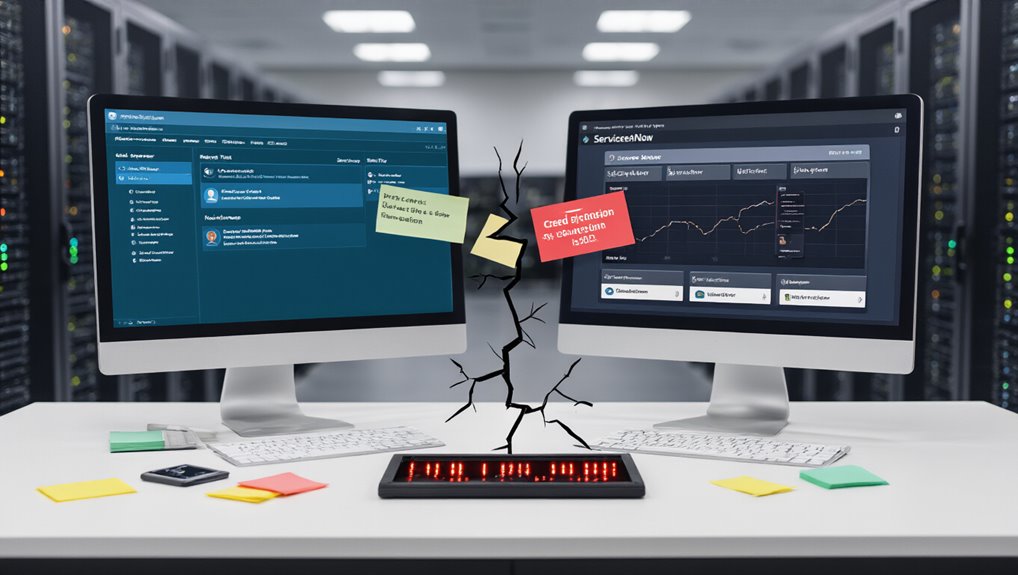

When organizations rely on both Freshservice and ServiceNow for their IT service management needs, ticket synchronization failures can quickly escalate from minor inconveniences to major operational disruptions. These failures often stem from manual transfer processes, which introduce errors and delays in environments lacking automated integration solutions.
Manual ticket transfers between Freshservice and ServiceNow create errors that transform minor inconveniences into major operational disruptions.
The resulting information silos create bottlenecks that lead to growing ticket backlogs and increased customer dissatisfaction.
Technical limitations contribute markedly to sync problems. For instance, attachment sync is disabled by default in Freshservice to prevent errors from exceeding the 40MB per ticket size limit. Another common issue involves the Freshservice API, which doesn’t trigger updates when attachments are deleted—a known limitation affecting synchronization accuracy. Organizations must also contend with errors in ServiceNow’s integration mechanisms, which may manifest as missing data or incomplete record imports. Avoiding special characters in configuration names is essential to prevent unexpected overwrites during the synchronization process.
Configuration inconsistencies represent another major failure point. When environment names differ between Sandbox and Production, data conflicts occur during synchronization. Similarly, admin permission mismatches between Freshservice environments can cause partial or failed syncs due to insufficient access rights. Field settings that vary between mandatory and optional across systems further complicate successful integration. Proper integration setup eliminates manual intervention and automates the ticket-to-incident conversion process between both systems.
To avoid these failures, you should implement several best practices:
- Use consistent naming conventions for configurations across all environments
- Align admin permissions in both source and target instances
- Validate field requirements to prevent form submission conflicts
- Deploy automated integration tools like ZigiOps or Exalate
Modern integration solutions offer valuable features to streamline your ITSM processes. These include bi-directional ticket synchronization, conditional workflows that determine which tickets sync, and value mapping for custom field alignment. Moving to an API-first approach can dramatically improve operational efficiency and reduce implementation time compared to traditional point-to-point integration methods.
When failures do occur, detailed error logs enable effective troubleshooting.
Regular monitoring of sync job statuses is essential. By filtering for failed jobs and addressing errors promptly, you can maintain seamless operations between platforms. This proactive approach ensures your teams can collaborate efficiently across both Freshservice and ServiceNow environments, minimizing disruption to service delivery.